



Loop4Live Display Device – Pro
15.00€
Loop4Live Secondary Display
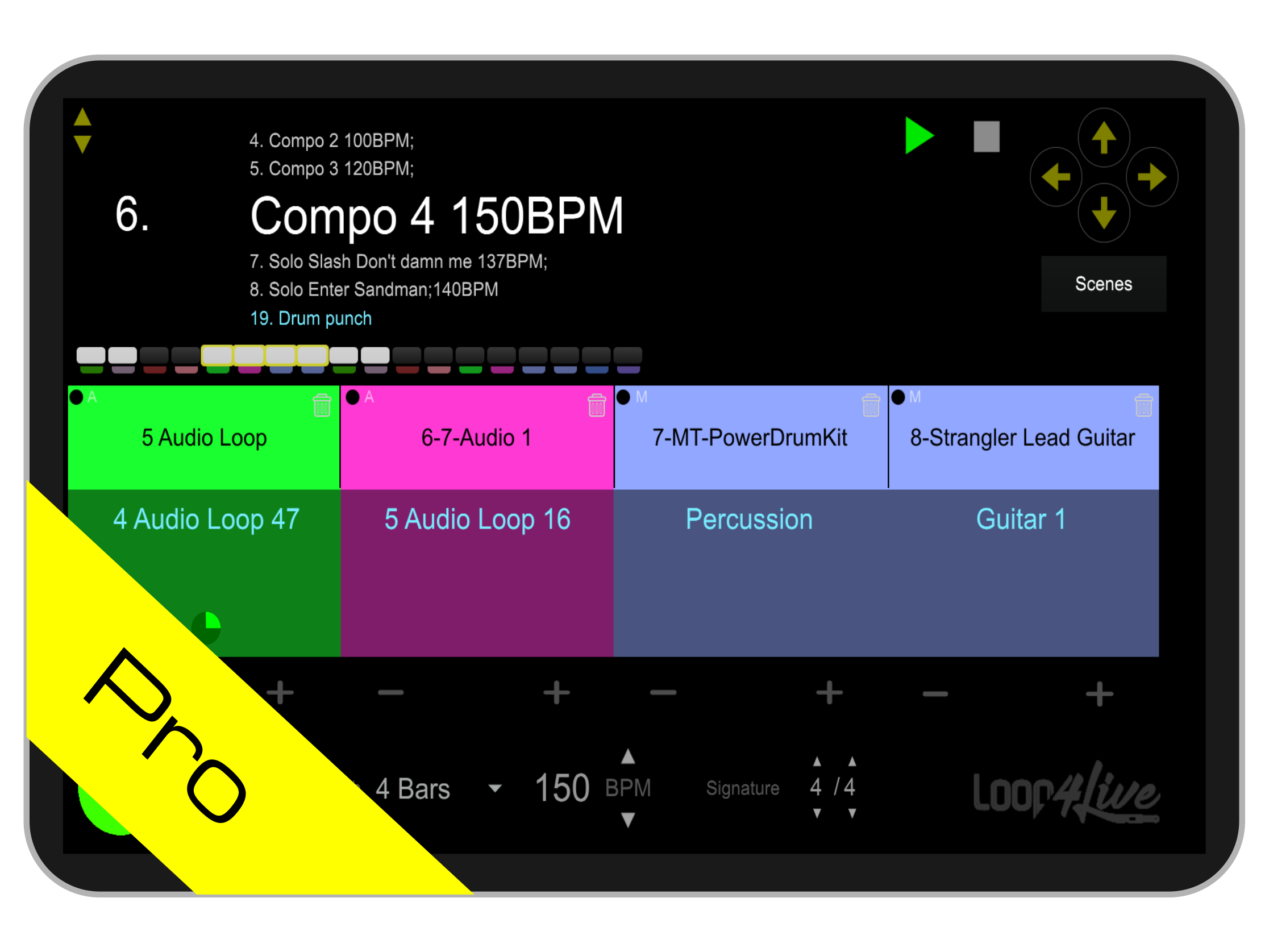
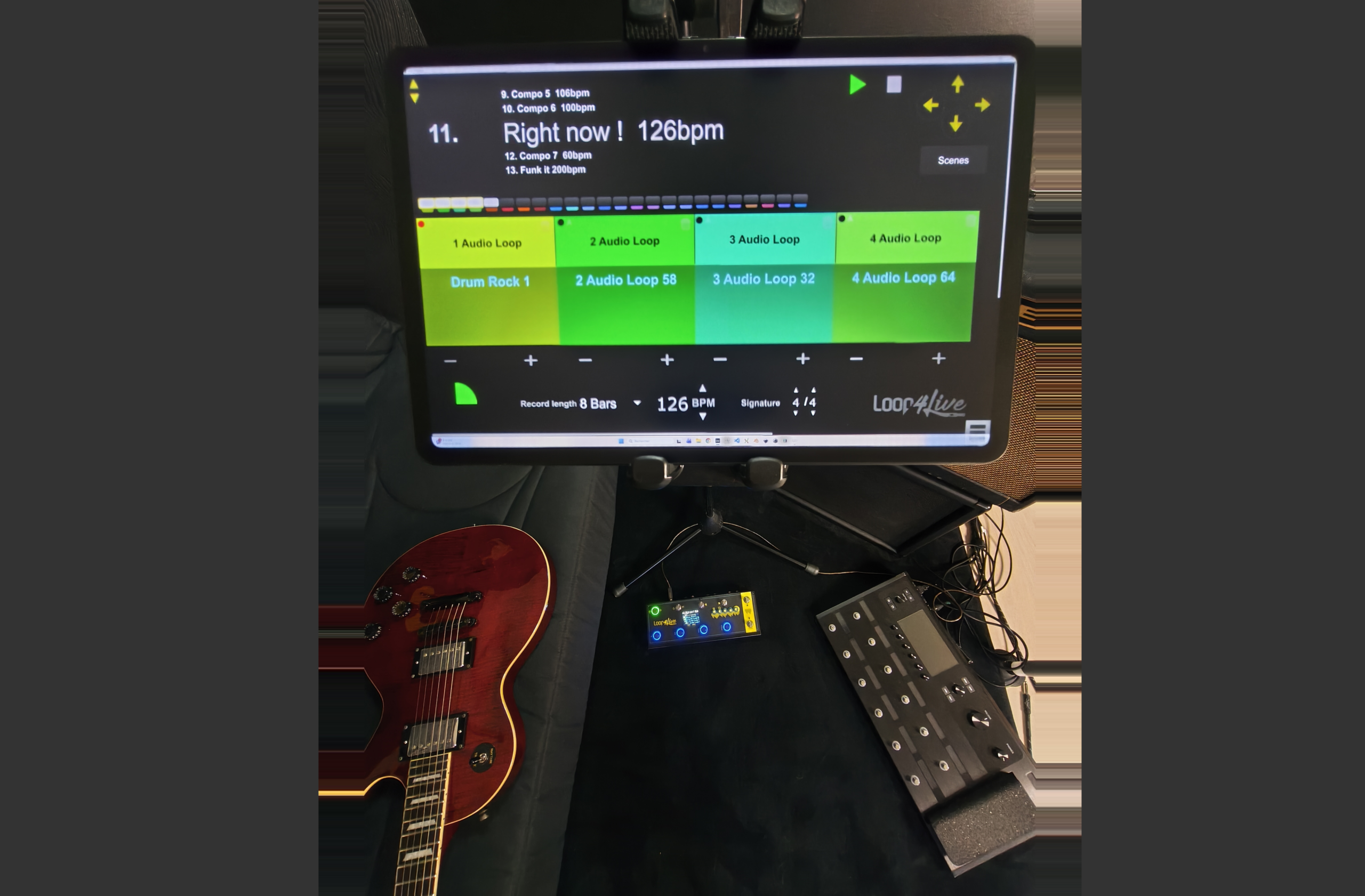
Use a tablet with your Loop4Live pedal to get a better view of your setlist. It displays scenes and clip names in large format with many interactive elements such as scene start/stop, clip start/stop/record, recording length changes, a scene browser, and much more!
Description
This plugin allows you to use your hands as well as your feet to manage your setlist!
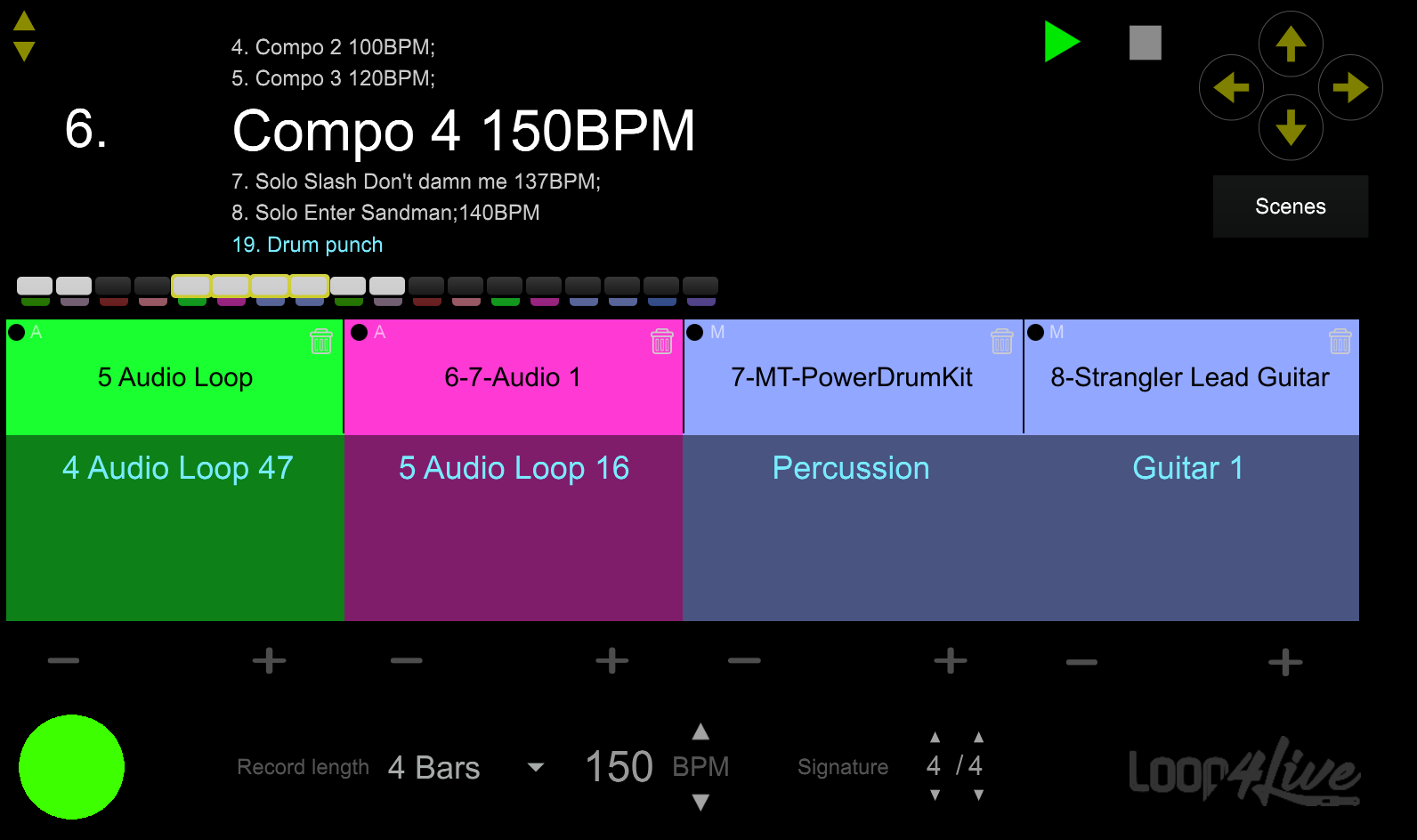
Quick navigation within scenes will be much more enjoyable, as you no longer need to press the pedalboard multiple times to reach the right scene.
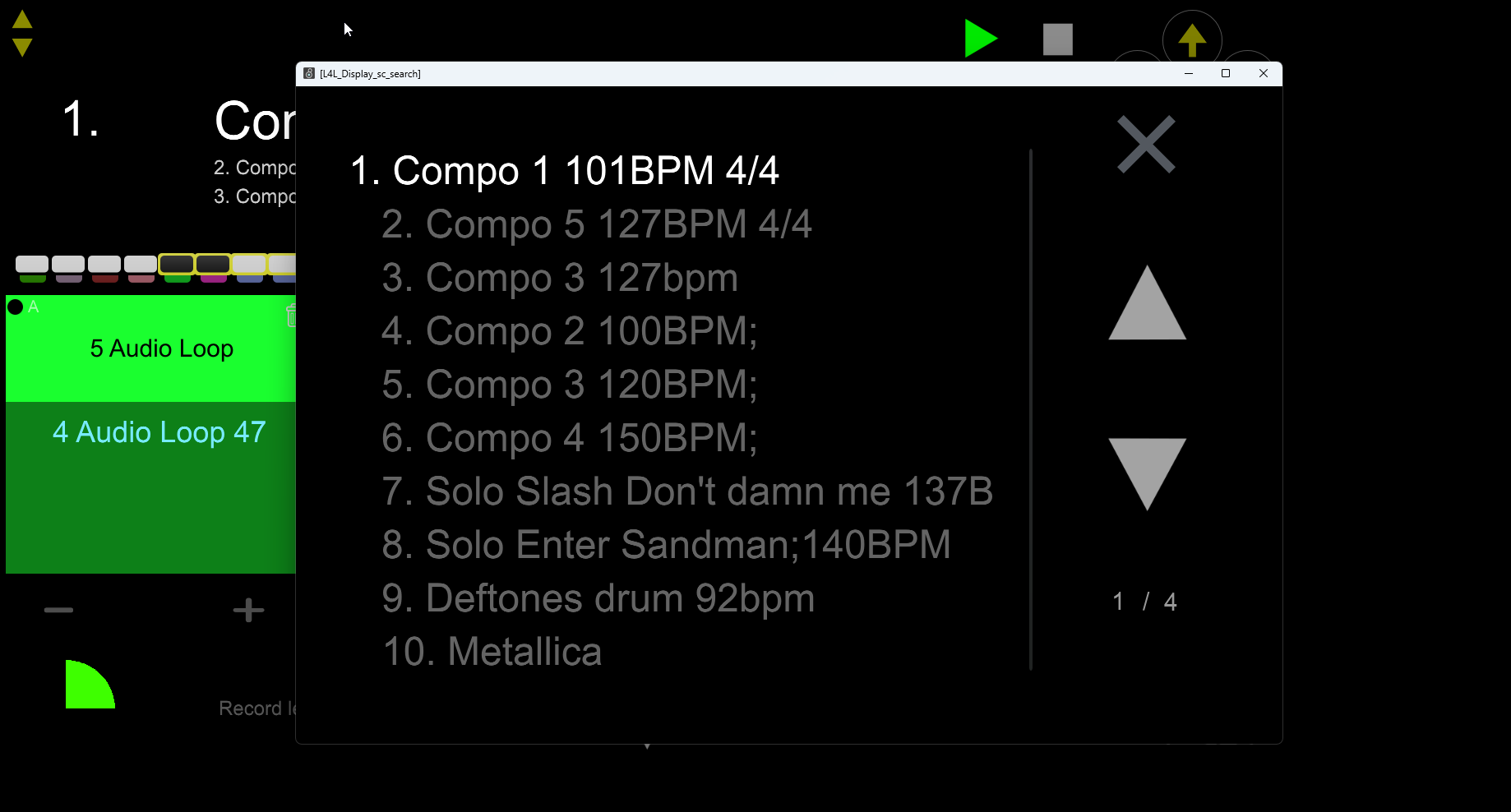
The pro version of this plugin allows you to browse scenes and clips in several ways:
– via quick access on the main screen.
– via a scene browser to find the right scene in just a few clicks.
– via the clip bar to move horizontally within Ableton’s clip grid.
The free version offers many features but does not include enhanced navigation within scenes and clips.
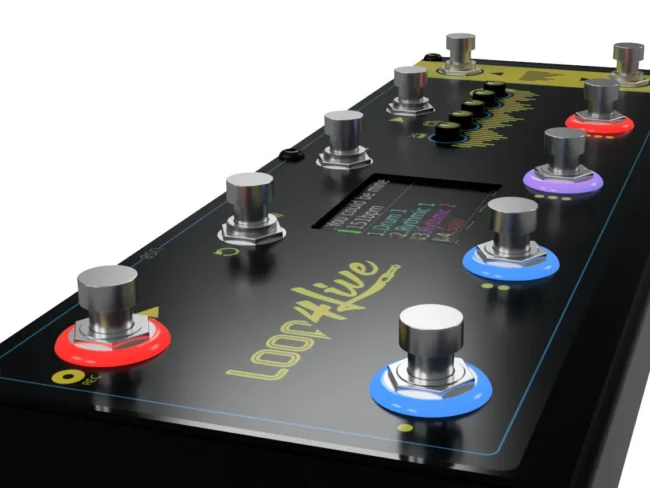
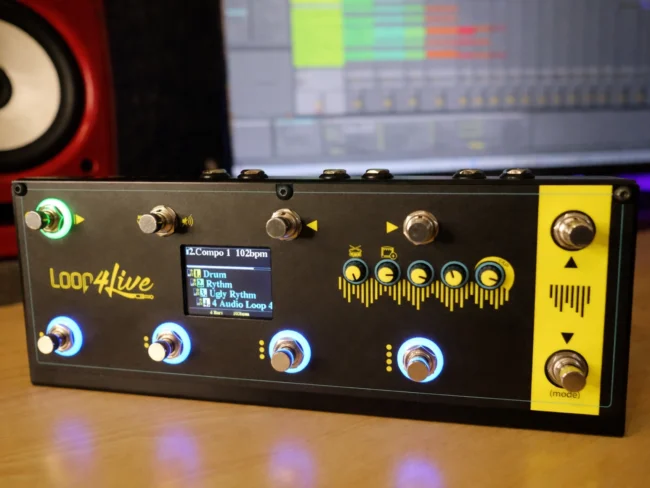
The synchronization between the device and the Loop4Live pedalboard is seamless: actions performed via the plugin are reflected on the pedalboard and vice versa.
The currently selected clips and scenes change mutually, as do all actions taken on one side as well as the other.
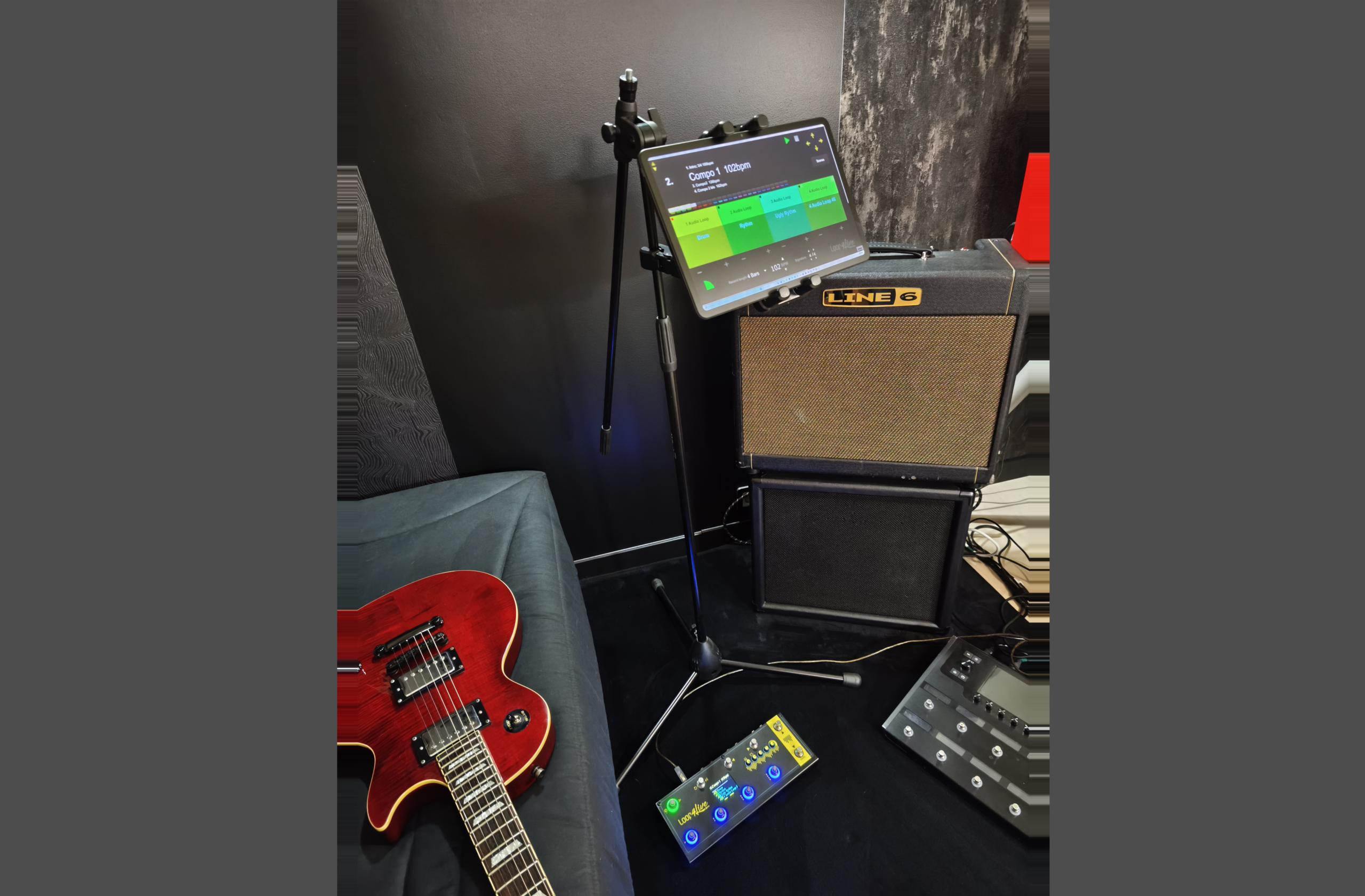
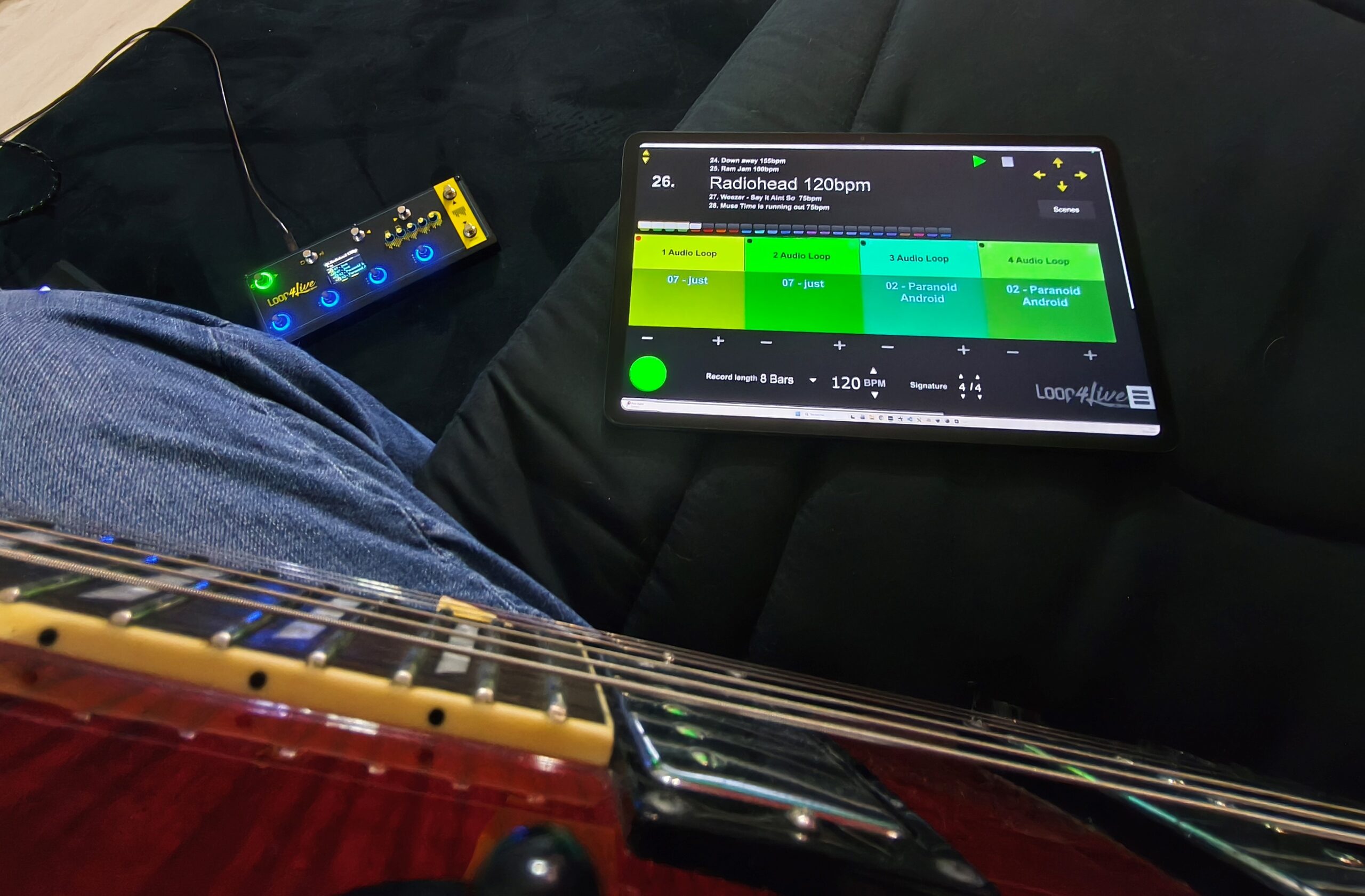
This device is placed on a tablet (not included) as a secondary display for your computer. The tablet will be connected via Wi-Fi, allowing you to take it with you on stage, away from the computer.
To use this plugin, you must have the Loop4Live pedalboard and either the Ableton Live Suite version (which natively includes Max for Live software) or obtain a Max for Live license available at https://cycling74.com/products/maxforlive.
The free version of the display plugin is available at https://www.loop4live.com/download/loop4live-max-display-device
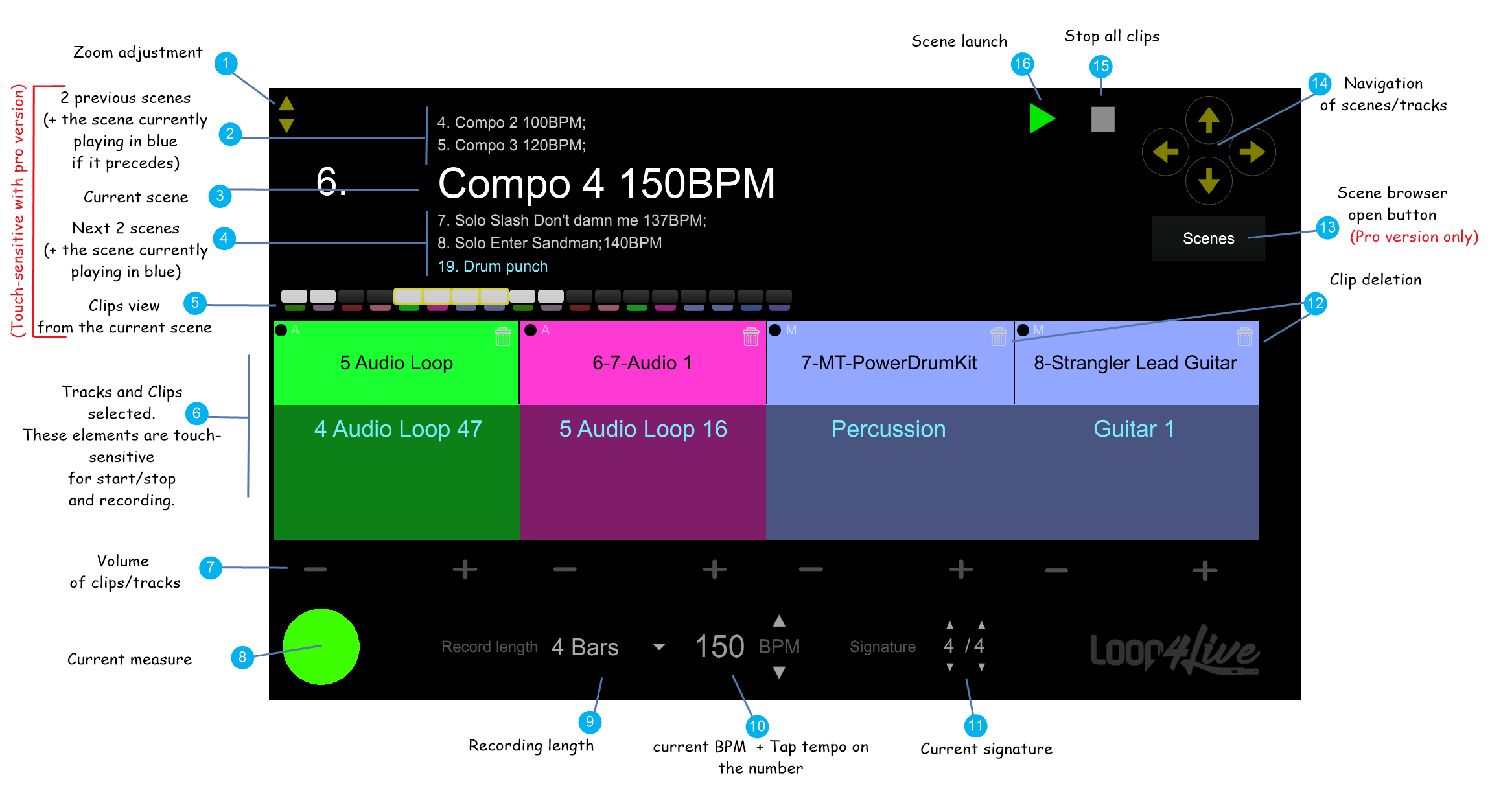
The various features of the plugin are as follows:
Reviews
There are no reviews yet